


Speed Queen dryer
showing Flashing decimal point
A dot blinking in the lower right corner of the display means the control has gone into Idle Mode.
Mon–Sat, 8am–8pm
- Mode, not a failure
- No repair needed
- Source: Speed Queen
Book a visit
Three short steps, about a minute.
or call (844) 314-5837
Loading appointment form…
The appointment form couldn’t load. Please try again.
What Flashing decimal point
actually means.
A dot blinking in the lower right corner of the display means the control has gone into Idle Mode. It happens five minutes after a cycle ends with no buttons pressed.
Speed Queen dryer display · also shown as Blinking dot in the display
What to do when Flashing decimal point shows on the dryerKind of codeMode, not a failure
A setting someone switched on, or a prompt the dryer shows by design — a child lock, a clean-the-lint-screen reminder, a demo setting. Nothing has failed and no part is needed.
Usually leads toNo repair
Press Power/Cancel to wake the display.
Shows up asDryer Not Starting
The panel lights up and responds, but pressing start does nothing or only makes a hum.
MakeSpeed Queen
Commercial-grade residential dryers in electric and gas versions, built for heavy use and long service life.
SourceSpeed Queen User's Guide for Dryers, Part No. D518541ENR6
Described in the Digital Display section of Speed Queen's electronic dryer guide D518541.
Before you book,
in this order.
Each step comes from Speed Queen's own guidance for Flashing decimal point on its dryers. Follow it to the end: the last card says whether this is a visit.
Press Power/Cancel to wake the display.
Choose a cycle as usual.
Cleared?
No part needed replacing. If the next full load still comes out damp or the dryer shuts off early, treat that as a separate problem.
What not to do
The blinking dot is not a hidden code. Nothing needs fixing.
What you may
notice with it.
The dryer problems Flashing decimal point tends to arrive with. Answer these at the dryer before anyone is booked.
All problems
No repair indicated
Nothing to repair.
A setting someone switched on, or a prompt the dryer shows by design — a child lock, a clean-the-lint-screen reminder, a demo setting. Nothing has failed and no part is needed.
Speed Queen
dryers.
Commercial-grade residential dryers in electric and gas versions, built for heavy use and long service life.
Speed Queen dryer repair
Electric dryer
The most common dryer in US homes: a 240-volt heating coil, a belt-driven drum and a vent to the outside.
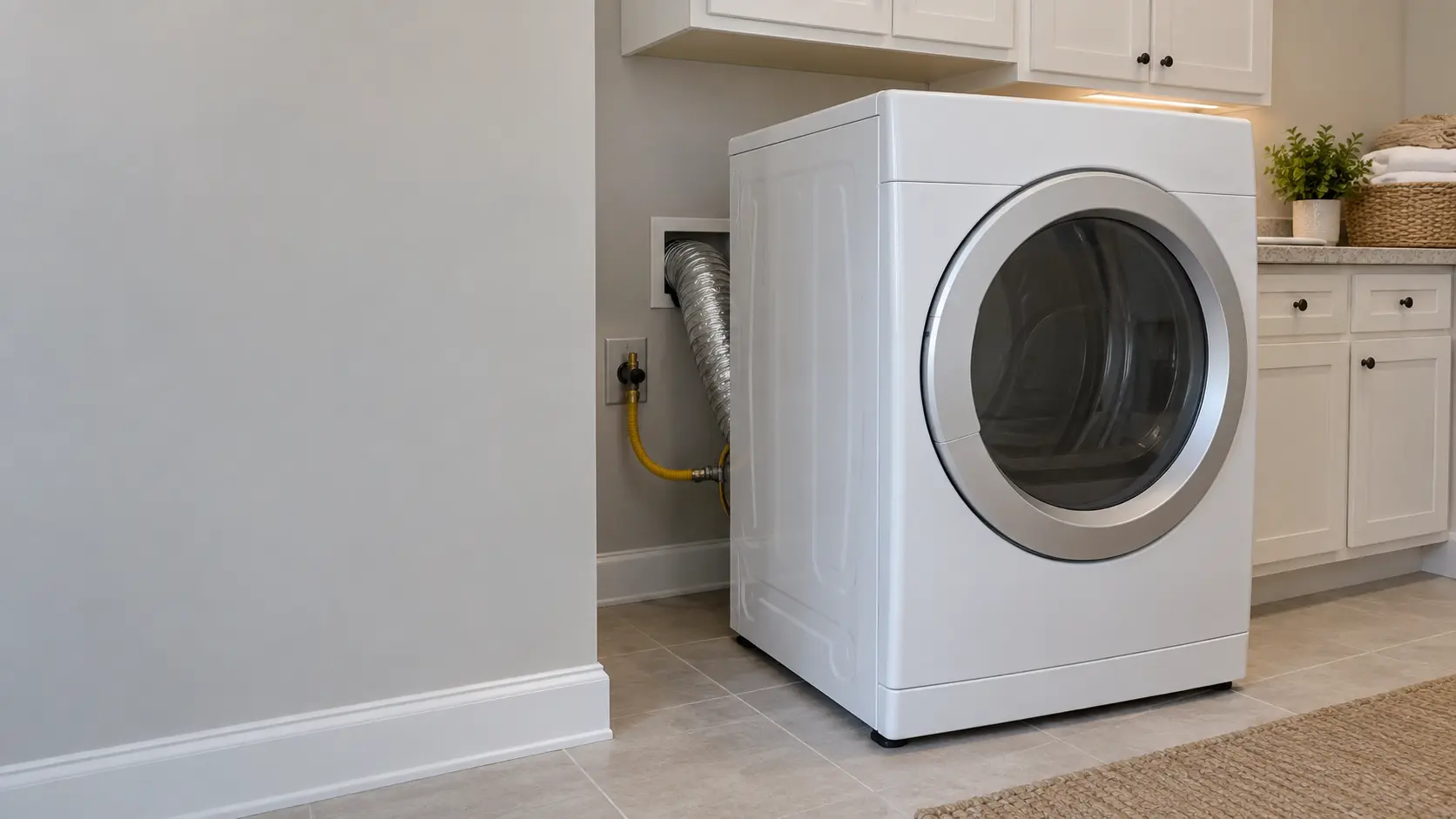
Gas dryer
Heat from a burner on natural gas or propane, lit by an igniter and watched over by a flame sensor, with the motor on 120 volts.

Stackable dryer
The dryer half of a stacked pair or a single-frame laundry center, where the height and the closet decide how the repair is done.
In Speed Queen's own words
If no keypads have been pressed for five minutes after a cycle is finished, the control will enter Idle Mode.
Every code on this site is taken from the manufacturer's documentation, never from a forum or a parts listing. Described in the Digital Display section of Speed Queen's electronic dryer guide D518541.
Speed Queen Flashing decimal point dryer repair,
where we come out.
The same visit in every metro below: the code, the model number, and a diagnosis before any part is ordered.
All service areasTampa BayFL · 31 areas
Miami / South FloridaFL · 47 areas
New York MetroNY · 75 areas
HoustonTX · 36 areas
ChicagoIL · 50 areas
Los AngelesCA · 95 areas
San DiegoCA · 31 areas

Questions
about Flashing decimal point.
Can I clear Flashing decimal point myself?
Is the blinking dot on my Speed Queen a hidden error message?
Why does the dot on my Speed Queen start blinking again later?
Back to your everyday
Still showing Flashing decimal point?
Book with the code exactly as displayed, the whole model number, and whether you smell burning or gas — for a code, that is where the diagnosis starts.