


LG Signature dryer
showing d95
On the Signature dryer, d80, d90 and d95 report an exhaust duct about 80 to 95 percent blocked, and LG treats that as a reason to stop using the dryer.
Mon–Sat, 8am–8pm
- Restricted airflow
- Vent cleaning and inspection
- Source: LG SIGNATURE
Book a visit
Three short steps, about a minute.
or call (844) 314-5837
Loading appointment form…
The appointment form couldn’t load. Please try again.
What d95
actually means.
On the Signature dryer, d80, d90 and d95 report an exhaust duct about 80 to 95 percent blocked, and LG treats that as a reason to stop using the dryer.
LG SIGNATURE dryer display · also shown as d90, d80
What to do when d95 shows on the dryerKind of codeRestricted airflow
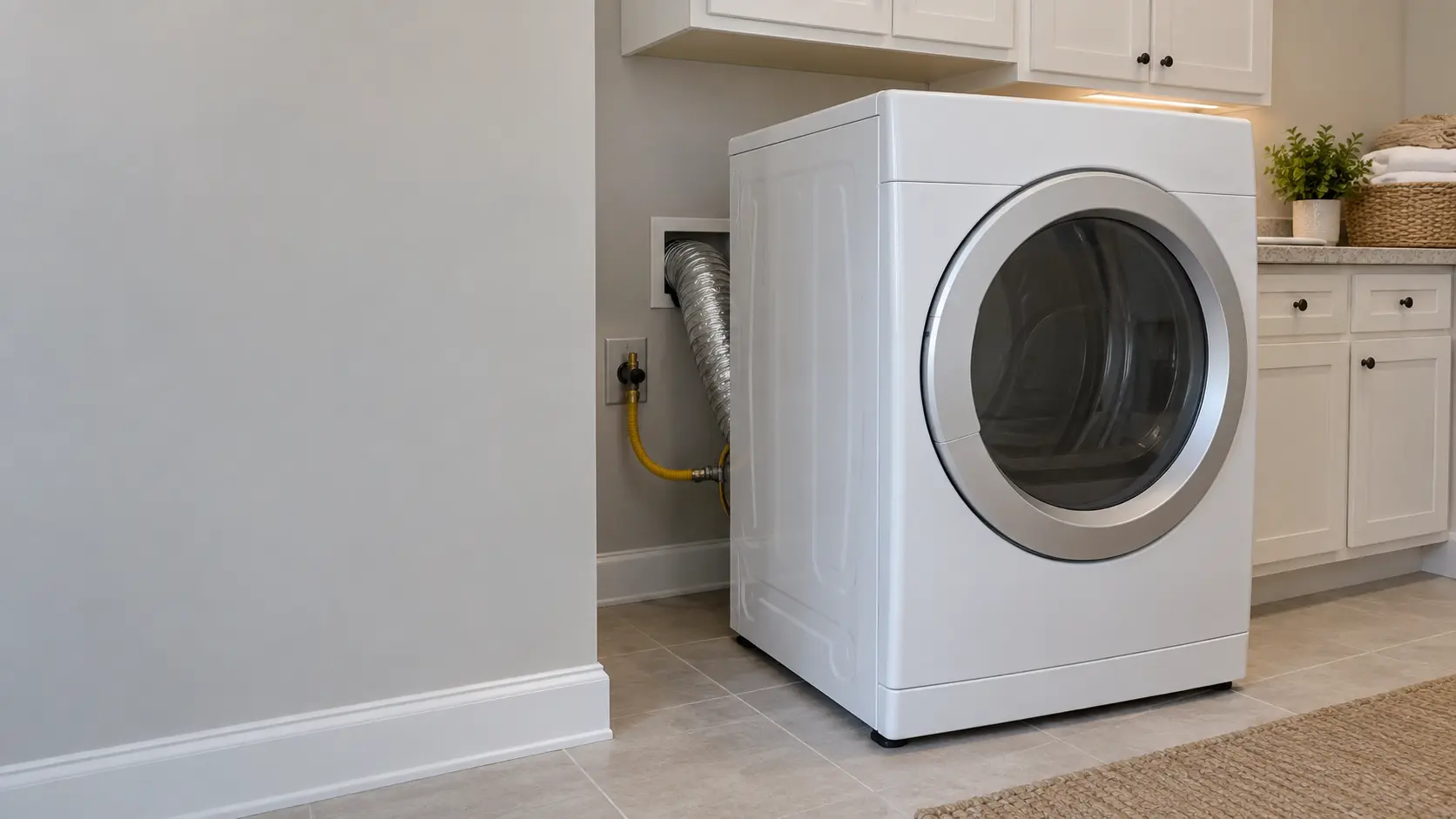
Air is not leaving the dryer fast enough. Lint in the duct, a crushed hose behind the machine or a stuck flap on the outside hood is found long before any part fails.
Usually leads toVent cleaning and inspection
The visit that prevents most dryer fires and many of the repairs above it: the duct, the hood and the lint inside the cabinet.
Shows up asDryer Vent Clogged
Weak airflow outside, long drying times and a hot laundry room: the vent is not carrying the air away.
MakeLG SIGNATURE
LG's premium line, with laundry models built to a higher finish and more electronics than LG's main range.
SourceLG DLEX9500*/DLGX9501* dryer owner's manual MFL67731093 (PDF on LG's document server)
LG Signature DLEX9500K electric and DLGX9501K gas dryers; the reading stays on the display for two hours.
Before you book,
in this order.
Each step comes from LG SIGNATURE's own guidance for d95 on its dryers. Follow it to the end: the last card says whether this is a visit.
Stop the cycle and leave the dryer off until the exhaust has been cleaned or repaired.
Inspect the outside vent hood for lint, damage or anything blocking it.
Book a vent cleaning; if the duct run is extremely long, have it rerouted.
Still there?
It usually turns into vent cleaning and inspection. Book with the code and the model number.
What not to do
A d80 that appears after drying, together with four bars on the Flow Sense indicator, is the milder message: LG says the dryer can still be used while the duct is scheduled for cleaning.
What you may
notice with it.
The dryer problems d95 tends to arrive with. Answer these at the dryer before anyone is booked.
All problems
Dryer Vent Clogged
5 causes, cheapest first
Where d95 usually leads
Vent cleaning and inspection.
LG SIGNATURE
dryers.
LG's premium line, with laundry models built to a higher finish and more electronics than LG's main range.
LG SIGNATURE dryer repair
In LG SIGNATURE's own words
Do not use the dryer until the exhaust system has been cleaned and/or repaired.
Every code on this site is taken from the manufacturer's documentation, never from a forum or a parts listing. LG Signature DLEX9500K electric and DLGX9501K gas dryers; the reading stays on the display for two hours.
LG SIGNATURE d95 dryer repair,
where we come out.
The same visit in every metro below: the code, the model number, and a diagnosis before any part is ordered.
All service areasTampa BayFL · 31 areas
Miami / South FloridaFL · 47 areas
New York MetroNY · 75 areas
HoustonTX · 36 areas
ChicagoIL · 50 areas
Los AngelesCA · 95 areas
San DiegoCA · 31 areas

Questions
about d95.
Can I clear d95 myself?
Why does LG call d95 on the Signature dryer dangerous?
How long does the d95 reading stay on a Signature dryer?
Back to your everyday
Still showing d95?
Book with the code exactly as displayed, the whole model number, and whether you smell burning or gas — for a code, that is where the diagnosis starts.